
From one photo of the menu to a working POS.
The Corner, a new snack bar in a Hengelo neighbourhood, called us shortly before opening. The menu wasn't in any system yet and plenty still had to be arranged. We set up the POS from a single photo of the menu, installed it on site and helped with pricing, the layout and their Google Business Profile.
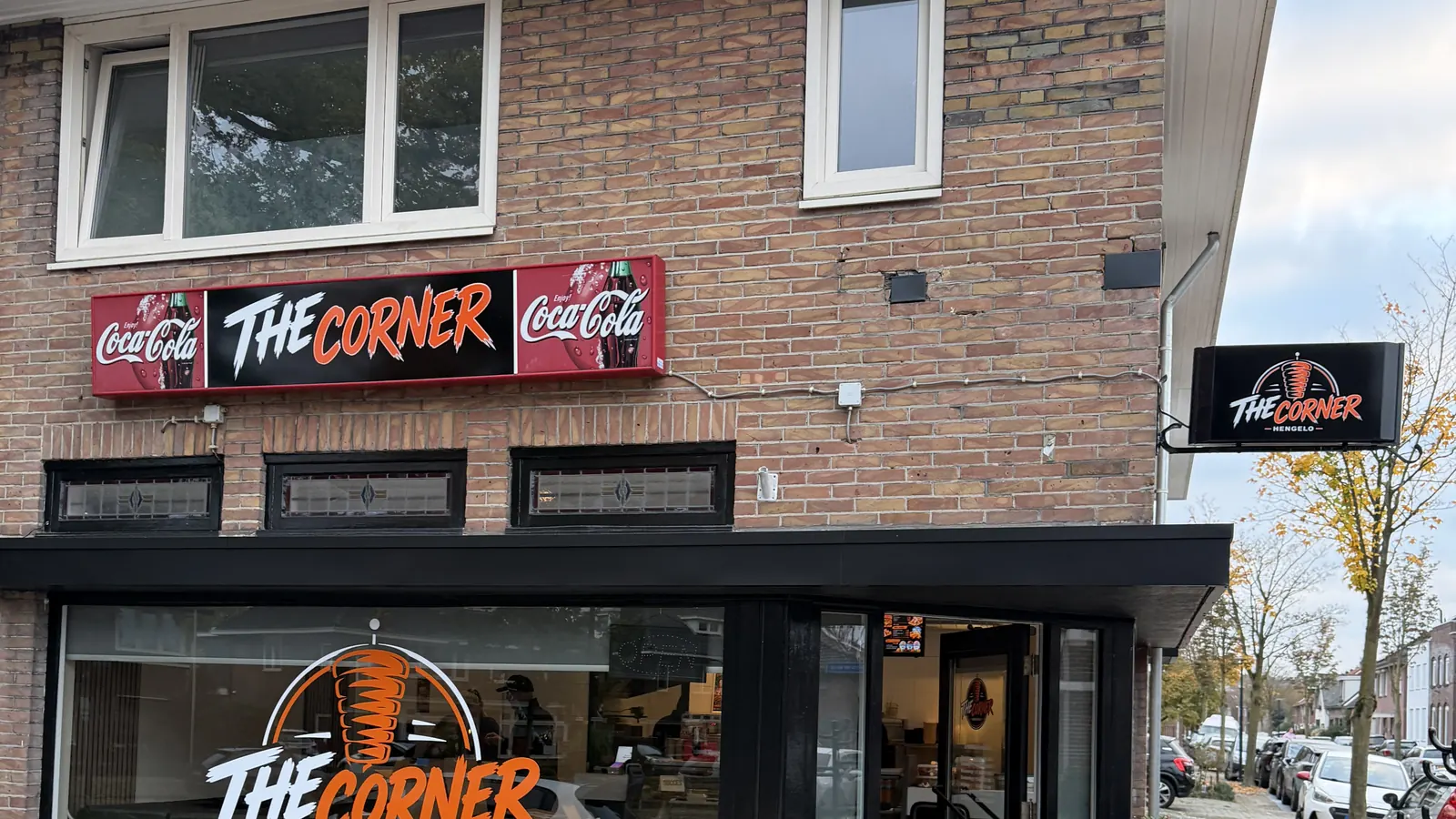
Little time and a lot to arrange. That's when a POS must not become another project.
What they wanted
- A working POS before opening, without spending evenings entering products.
- A POS the whole team picks up quickly.
- Someone who thinks along about more than the POS.
How it unfolded
From first conversation to live.
- 1
The call
They called us shortly before opening. The menu wasn't in any system yet and plenty still had to be arranged.
- 2
One photo of the menu
That was all we needed. We set up the whole POS from the cloud: products, prices and product photos. The venue never had to work in the back office.
- 3
On-site installation
Keanu drove to Hengelo and installed the POS. He walked four staff members through everything, from ringing up to refunds.
- 4
Thinking along
We advised on pricing, which was set too low. Together we arranged the fridge and the counter. And we helped with their Google Business Profile so the neighbourhood finds them online too.
How we solved it
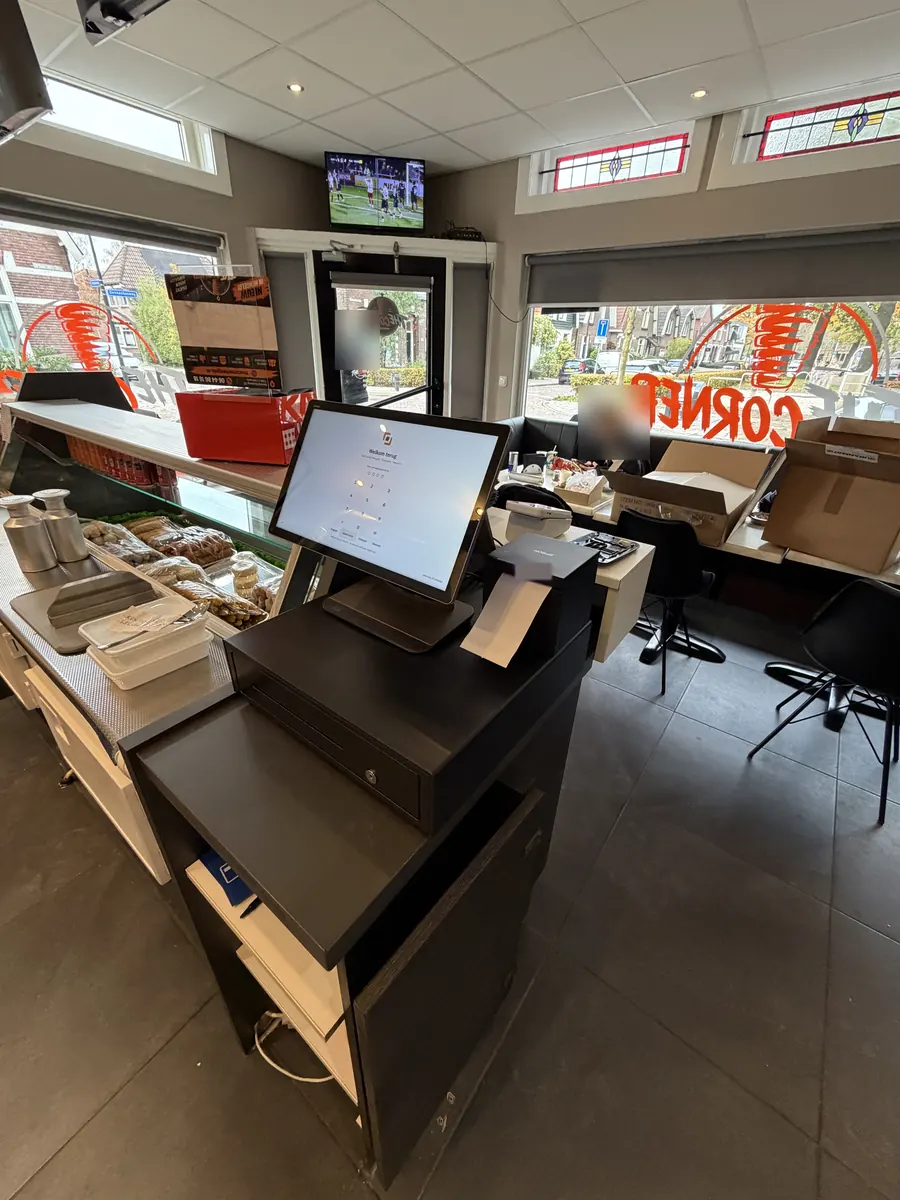
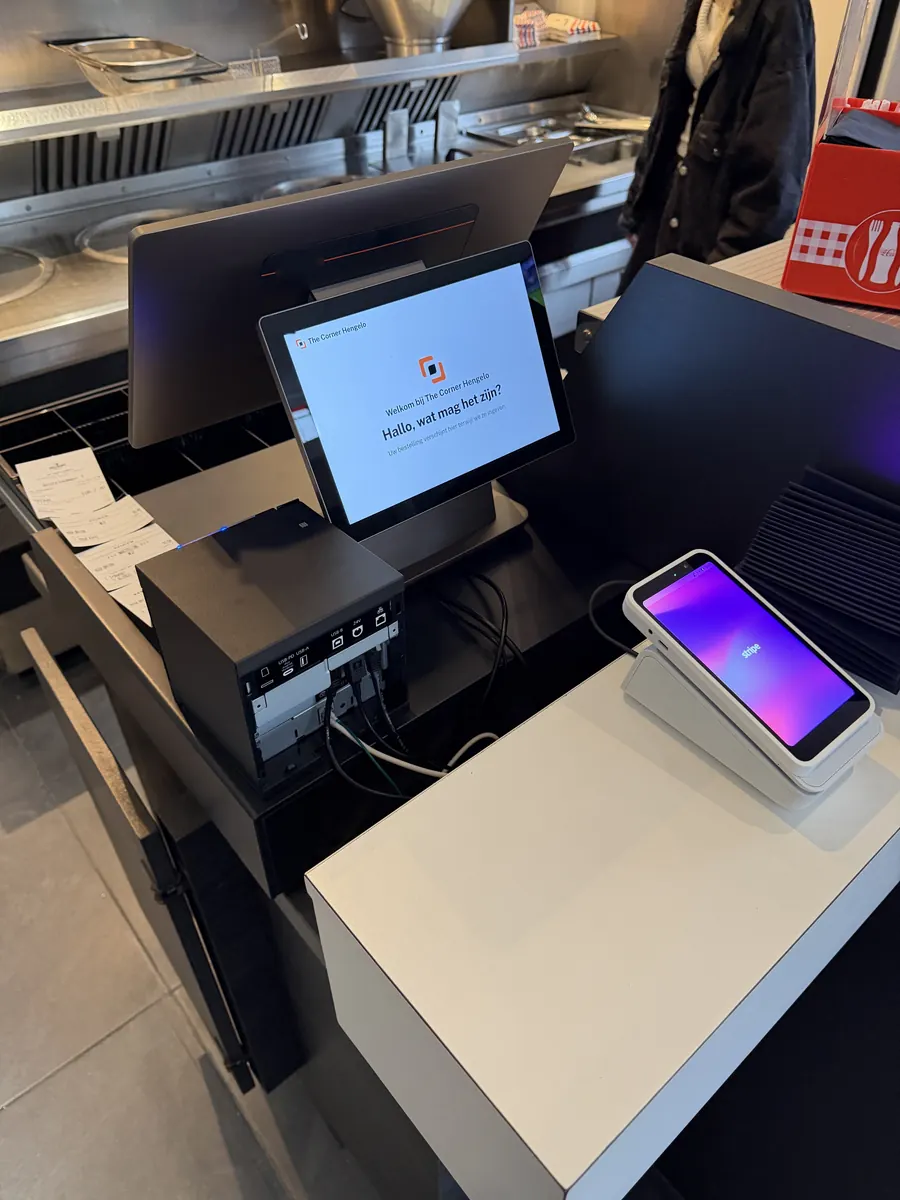
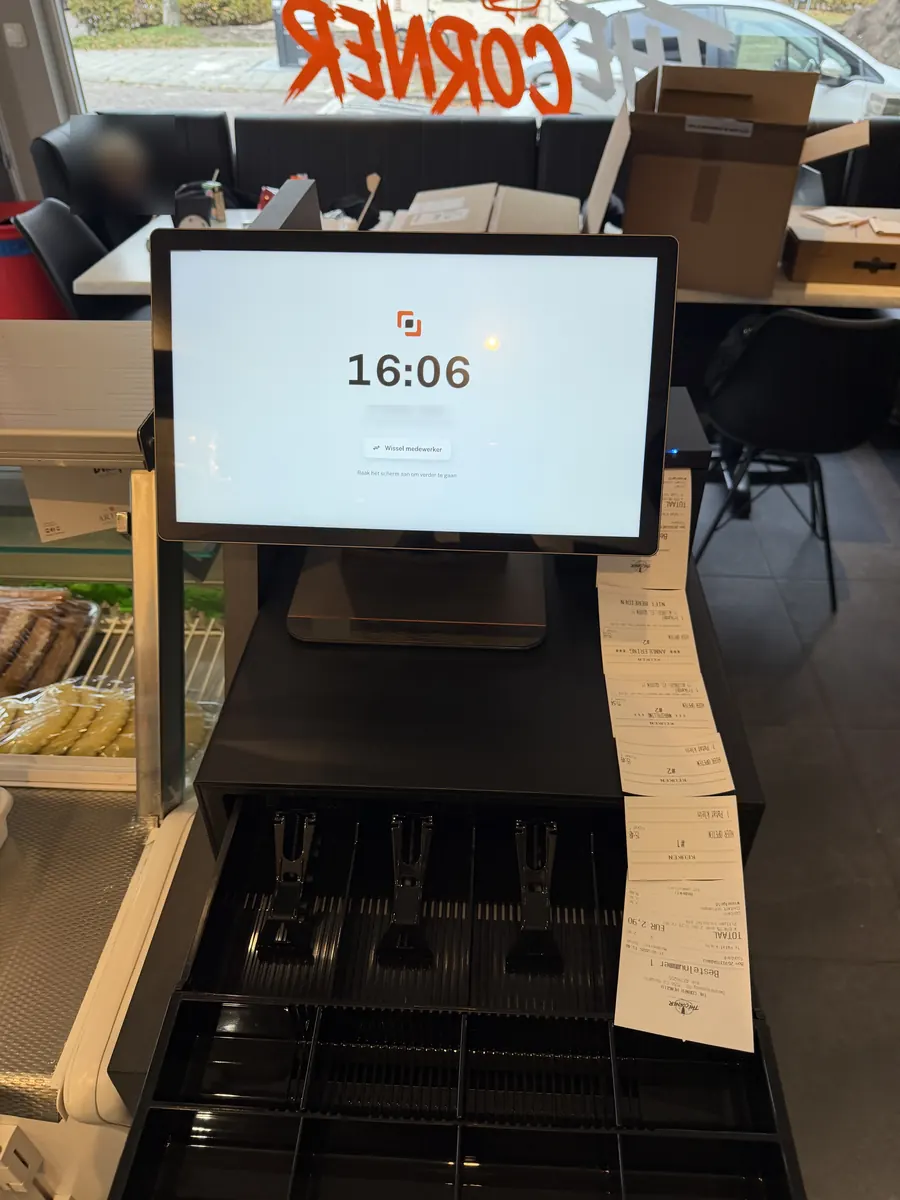
- The Upvendo POS, fully set up from one photo of the menu.
- Product photos on the POS so staff find the right item fast.
- On-site walkthrough for four staff members, refunds included.
- Advice on pricing, layout and Google Business Profile.
- A customer display on the counter that welcomes every guest, with a card reader next to it.
Outcome
- The POS worked straight after installation, refunds included.
- Four staff members use it on their own.
- A sharper view on pricing before the first customer walked in.
- Before opening, passers-by were already asking if the venue was open.
1
photo of the menu was enough
4
staff walked through on site
0
products entered by the venue: we set up the POS
Upvendo POS
No POS yet, or ready for a new one? Get one that sells with you.
- On every item, the register shows the sauces, extras and drinks. Venues on the Upvendo POS make 10 to 15% more revenue.
- Menu set up fast: take a photo of your menu, we help you.
- €99 a month with POS hardware, receipt printer and cash drawer. 24/7 support.
Ready to build your ordering stack?
Five questions. Indicative pricing. Compatible POS check. Three minutes.
Replies within one business day.